
Selling a Car Online: How to Turn Listing Photos Into a Walkaround Video
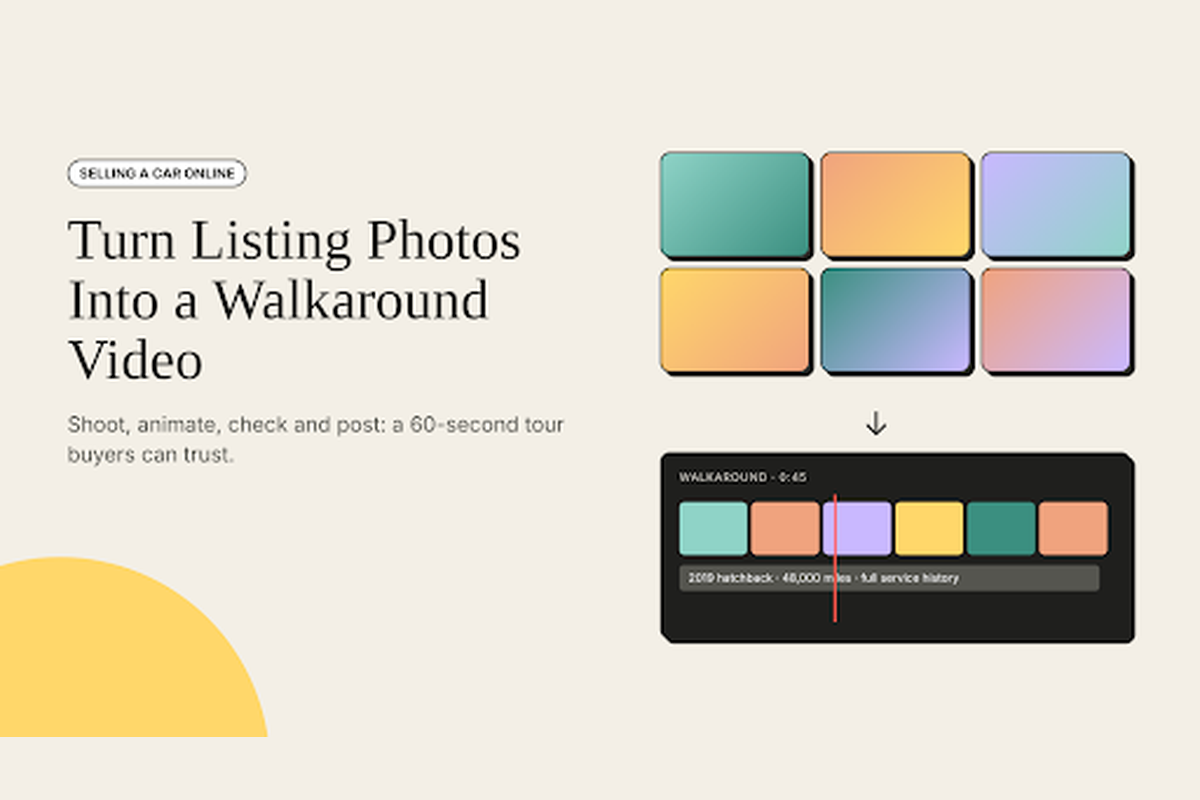
Turning listing photos into a walkaround video means taking the still pictures you already shot for your car ad and adding slow, steady camera movement to each one, so buyers see the exterior, interior and details as a short tour instead of a static gallery. The result is a 30 to 60 second clip you can post with your listing, share on social media and send to anyone who asks for more detail.
Buyers do most of their early research online. In Cox Automotive’s 2025 Car Buyer Journey study, 77% of used-vehicle buyers used third-party sites during their search, yet only 7% bought a car completely online. That means your listing has to do the job of a first viewing: it has to earn the message, the call and the test drive. A walkaround video helps because it shows the condition of the car more honestly than a set of carefully cropped photos.
This guide shows how to shoot the right photos, turn them into a walkaround video, add the details buyers care about and post the finished video where it will be seen.
What buyers want to see in a walkaround
- The full exterior. All four corners, both sides, the front and the rear, in good light.
- Honest condition. Close-ups of tyres, wheels, paint and any scratches or dents you are disclosing.
- The interior. Seats, dashboard, steering wheel, boot space and the odometer reading.
- Key details. The engine bay, service book and any features that add value, such as a new set of tyres.
- Basic facts on screen. Year, make, model, mileage and price, so the video still works when someone shares it.
Which photo becomes which shot
| Photo | Motion that suits it | What it tells the buyer |
|---|---|---|
| Front three-quarter view | Slow push in toward the car | The first impression and overall condition |
| Side profile | Slow pan from front to rear | Bodywork, panel gaps and stance |
| Wheels and tyres | Gentle zoom toward the tread | Wear and whether new tyres are needed |
| Dashboard and seats | Slow pan across the cabin | Interior wear and features |
| Odometer | Static hold for two seconds | Proof of mileage |
| Engine bay | Slow tilt from top to bottom | Cleanliness and any visible issues |
Step 1: Clean the car and plan your photos
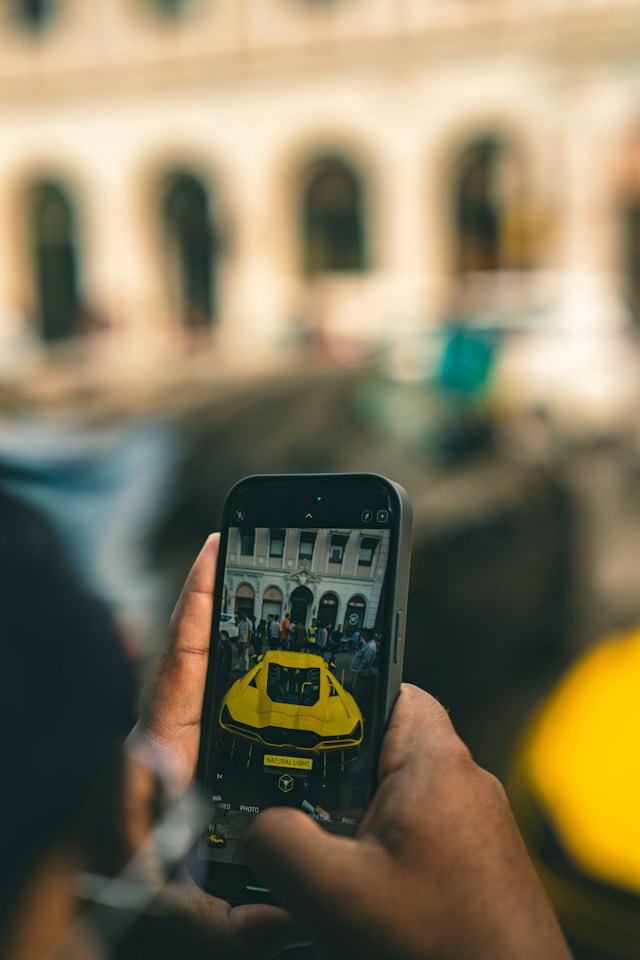
A seller photographing a car on a phone — the same stills you use for a classified ad can become walkaround clips. Photo by CARTIST SARVAM on Unsplash
A clean car photographs better and signals that it has been looked after. Wash and dry the exterior, vacuum the interior and clear out personal items before you shoot. If the car needs more than a quick clean, a professional valet is often worth the cost; these services offered by car detailing shops show what to expect.
Shoot in soft daylight, such as an overcast day or early evening, and park in an open space with a plain background. Hold your phone at the car’s mid-height, keep it level and leave space around the car in every frame. That extra space matters later, because camera movement needs room to work without cropping the bumper or the mirrors.
Step 2: Shoot a walkaround shot list
The walkaround shot list: one simple camera move per photo
Walk around the car clockwise and take photos in the order a buyer would view it in person: front three-quarter, front, other front three-quarter, both sides, rear three-quarter, rear, then wheels, interior, odometer, boot and engine bay. Shooting in order makes the edit faster, because your photos already follow the walkaround.
Take close-ups of any marks you plan to disclose. Hiding a scratch only leads to a wasted viewing, while showing it builds trust. Photos and video of the car’s condition also support your asking price, as this guide on how to price your old vehicle correctly explains.
Step 3: Turn each photo into a short clip
This is where the still images become a walkaround. With an image to video AI tool, you upload a photo and describe the camera movement you want, and the tool returns a short clip with that motion. In invideo editor, you can upload JPG, PNG or WEBP files and write prompts such as “slow pan from the front bumper to the rear wheel” or “gentle zoom toward the front tyre tread,” so every photo in your shot list becomes a few seconds of movement.
Keep each prompt about the camera, not the car. Add a line such as “keep the car, paint and background exactly as they are” so the tool moves around the vehicle without changing it. Clips from current AI video models typically last between about 4 and 15 seconds depending on the model, which is the right length for each walkaround shot.
Because the clips stay in invideo editor, you can arrange them in walkaround order on the timeline, trim each one to two or three seconds and add text and music in the same place, instead of moving files between apps.
Step 4: Check every clip for accuracy
A walkaround video is a description of the car you are selling, so it must match the real vehicle. Watch each clip at full screen and check that:
- The body lines, wheels and badges look exactly as they do in the photo.
- Scratches or dents you are disclosing are still visible.
- The paint colour and the interior trim have not changed.
- No part of the car appears, disappears or bends as the camera moves.
If a clip changes anything, generate it again with a simpler movement or use the still photo for that shot. Buyers who arrive for a viewing and find a different car will walk away, and in some places a misleading listing can cause bigger problems than a lost sale.
Step 5: Add the details that sell
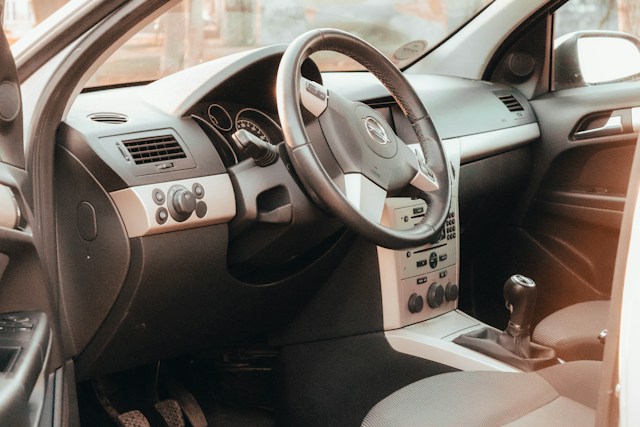
Cabin shots belong in every walkaround — buyers want to see seats, trim and dashboard wear before they book a viewing. Photo by Liubomyr Vovchak on Unsplash
Once the clips are in order, add short on-screen text with the facts buyers search for: year, make, model, mileage, engine, gearbox, number of owners, service history and price. Keep each label short and on screen long enough to read. A calm music track at low volume makes the video feel finished, but it is not essential.
Open with your best exterior shot and end on a clear call to action, such as “Message to book a viewing” with your contact method. If your car is a model known for holding its value, say so; this list of car brands and models that hold their value can help you frame it. Before you publish, it is also worth checking the car for open safety recalls on the NHTSA recalls page (in the US) so you can tell buyers it is clear.
Step 6: Post the video where buyers look
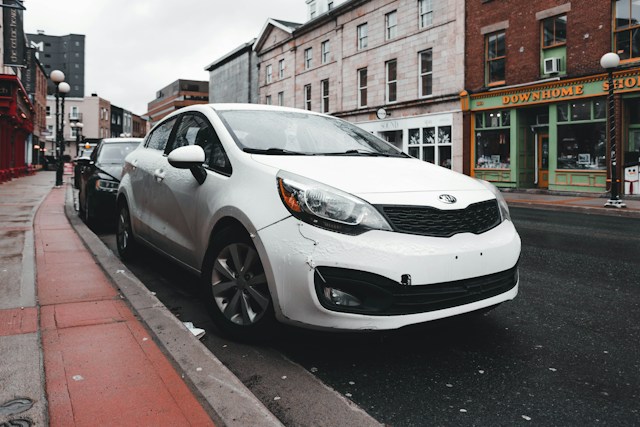
A neutral backdrop and good side light help listing photos — and the clips you build from them — look honest online. Photo by Erik Mclean on Unsplash
Export a vertical 9:16 version for social media and short-video platforms, and a horizontal 16:9 version for listing sites that support video. Upload the video with your listing, pin it to the top of a social post and keep the file ready to send to buyers who ask for more photos.
If you have not chosen where to sell yet, this guide on how to sell or trade your car online compares the main options, from car-trading sites to car-buying services and social media. Wherever you post, reply quickly to messages, because the first serious buyers usually contact several sellers at once.
Key takeaways
- A walkaround video turns your listing photos into a short tour of the car.
- Most used-car buyers research on third-party sites, so the listing acts as the first viewing.
- Clean the car, shoot in soft light and follow a clockwise shot list.
- Describe camera movement, not changes to the car, when you animate each photo.
- Check every clip carefully so the video matches the real vehicle.
- Add key facts on screen, end with a clear call to action and post vertical and horizontal versions.
Frequently asked questions
Do I need to film the car, or are photos enough?
Photos are enough. Image to video tools add camera movement to each still, so you can create a walkaround from the photos you already took for the listing. Filming a real video is still useful if you want to show the engine running or the car driving.
How long should a car walkaround video be?
Thirty to sixty seconds works well for most listings. That gives two or three seconds per shot across a full walkaround, plus time for the key facts and a call to action.
Will AI change how my car looks?
It can if the prompt asks for changes or the motion is too strong. Keep prompts focused on simple camera movements, tell the tool to keep the car unchanged and review every clip before you post it.
What photo formats can I use?
Most image to video tools accept common formats. In invideo editor, you can upload JPG, PNG or WEBP files.
Can small dealers use this for their stock?
Yes. The same process works for a forecourt of cars, and invideo states that videos generated on its free and paid plans are licensed for commercial use. Check the terms of any tool you use before you rely on it for business listings.
Should I still disclose damage in the text?
Yes. Show any damage in the video and describe it in the listing text, so buyers know exactly what to expect before they arrange a viewing.
Conclusion
A walkaround video gives online buyers the closest thing to seeing your car in person. Clean the car, shoot a clockwise set of photos, turn each one into a short clip with simple camera movement, check every shot for accuracy and add the facts buyers need. Then post it everywhere your listing appears. Which shot of your car would you open the video with?